A live theme switcher · 700+ palettes · contrast checked
Color your whole site
like a designer would.
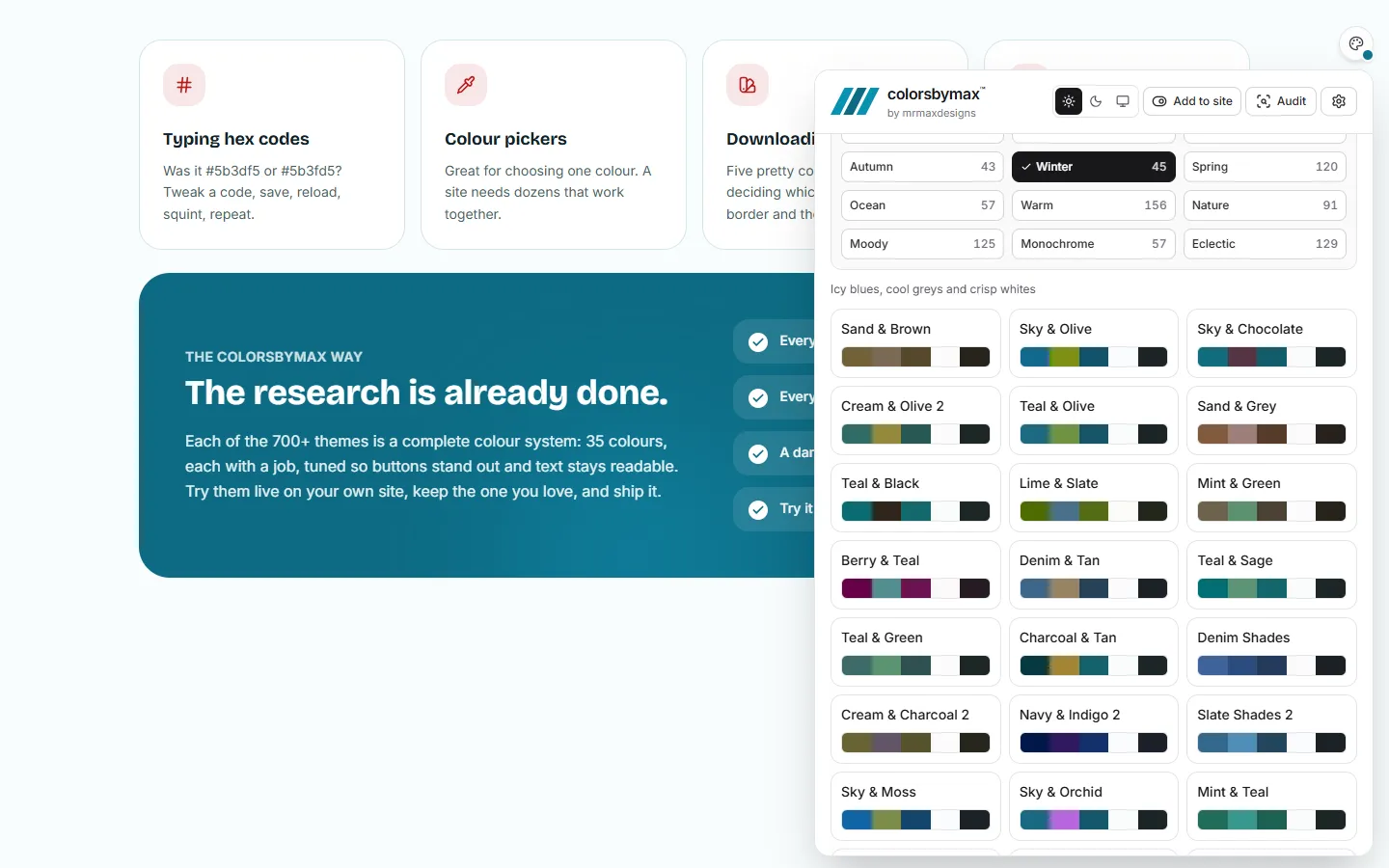
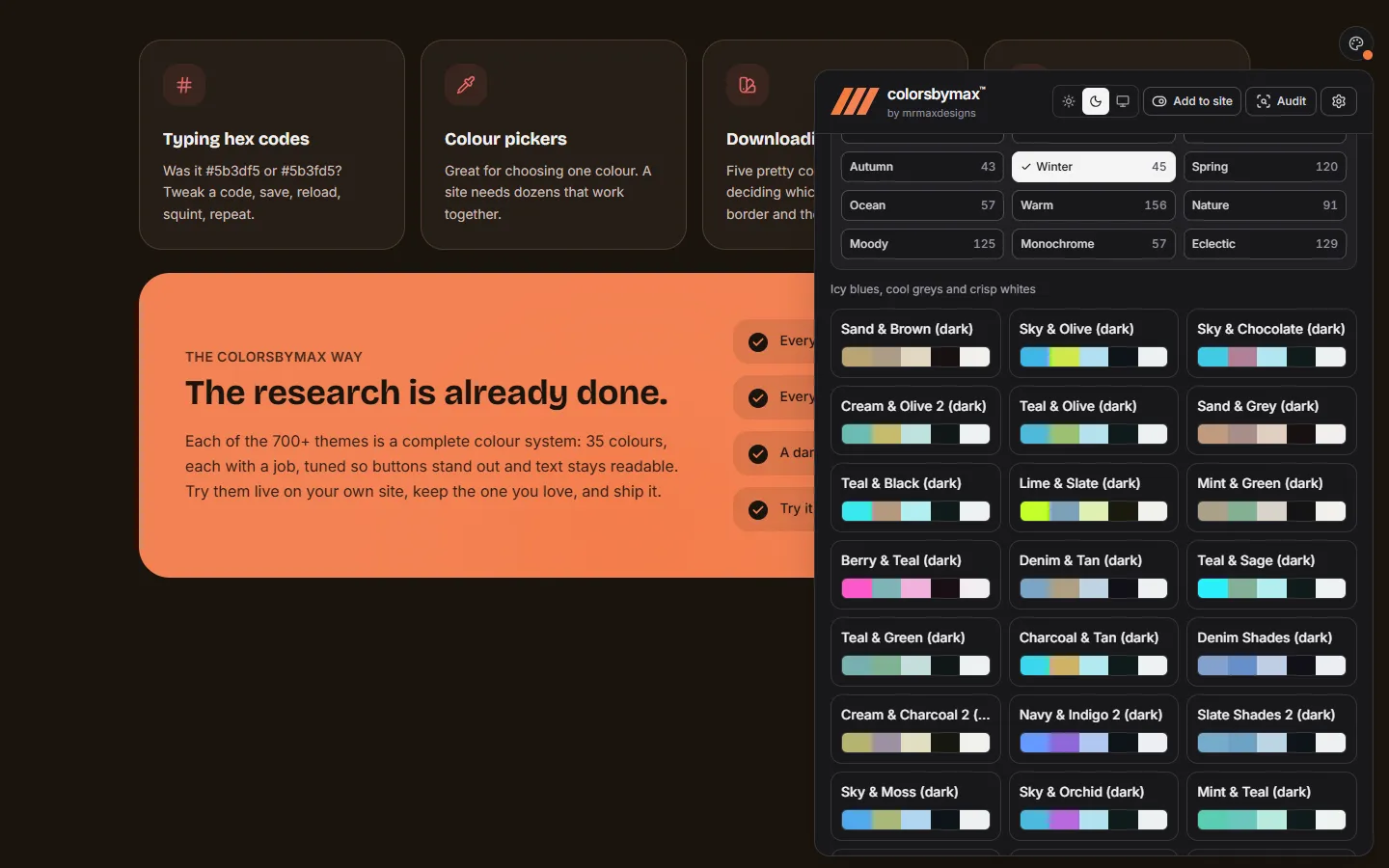
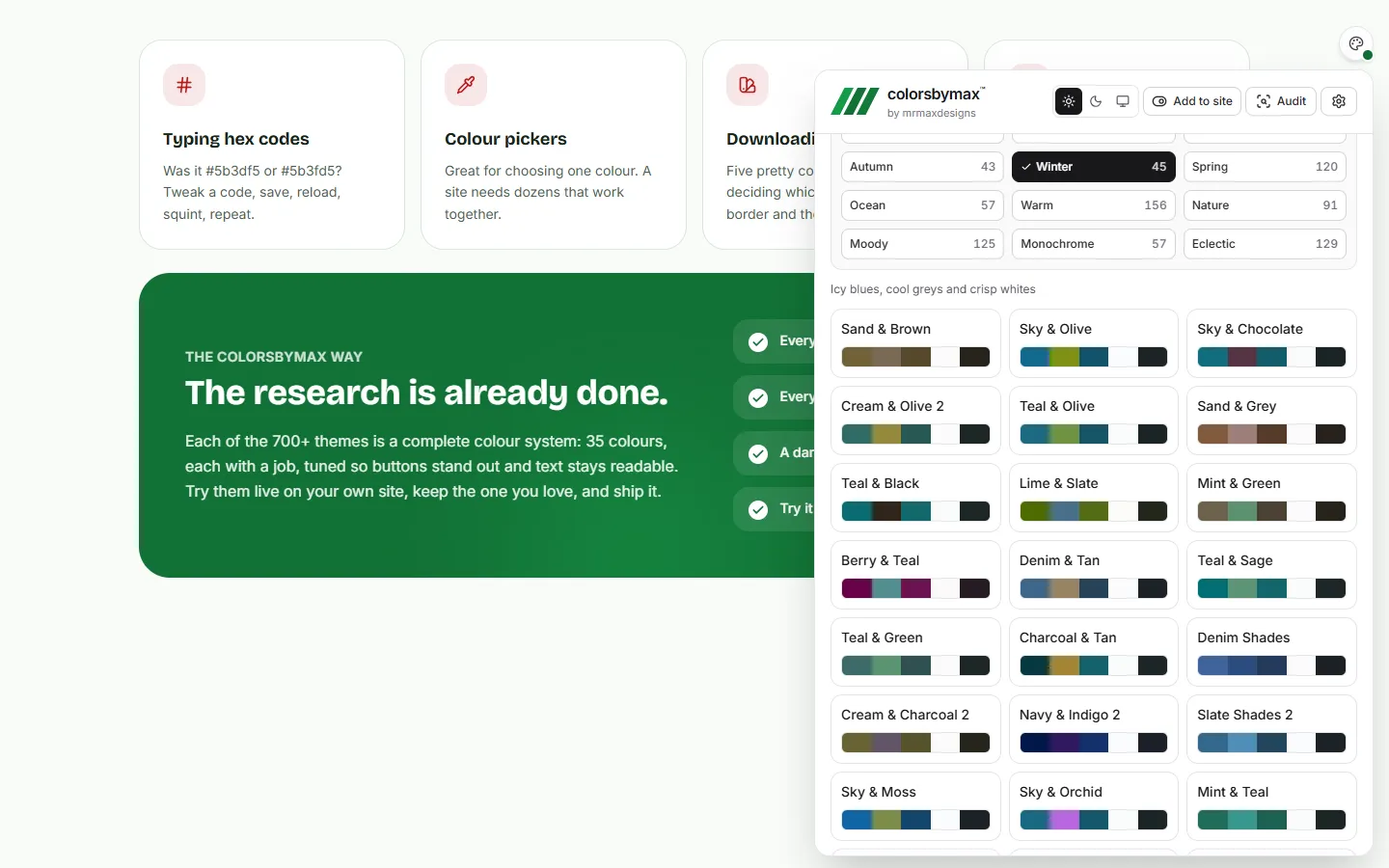
Kamiliyon adds a color button to your website. Try hundreds of professionally built palettes on your real pages, live, with every color in the right role and every pairing checked so text stays readable.
npm install kamiliyon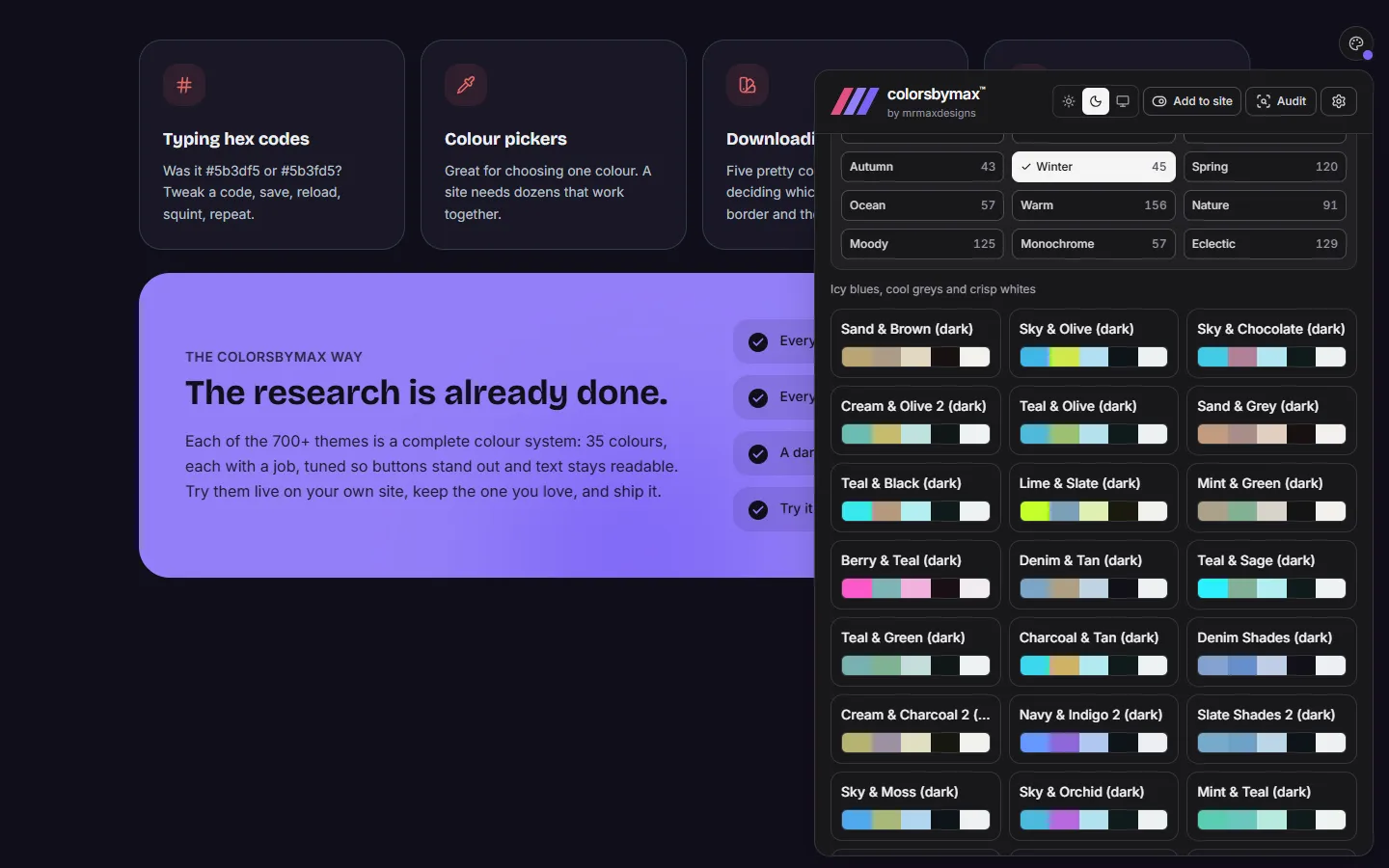
- library themes
- 700+
- library themes
- color roles in each
- 35
- color roles in each
- text contrast, checked
- 4.5:1
- text contrast, checked
- line to install
- 1
- line to install
Why Kamiliyon
Stop guessing colors
Coloring a website usually means one of four detours. Kamiliyon skips all of them.
Typing hex codes
Was it #5b3df5 or #5b3fd5? Tweak a code, save, reload, squint, repeat.
Color pickers
Great for choosing one color. A site needs dozens that work together.
Downloading swatches
Five pretty colors still leave you deciding which is the button, the border and the text.
Letting AI decide
Quick, but it can’t see your pages, and it rarely checks that text is readable.
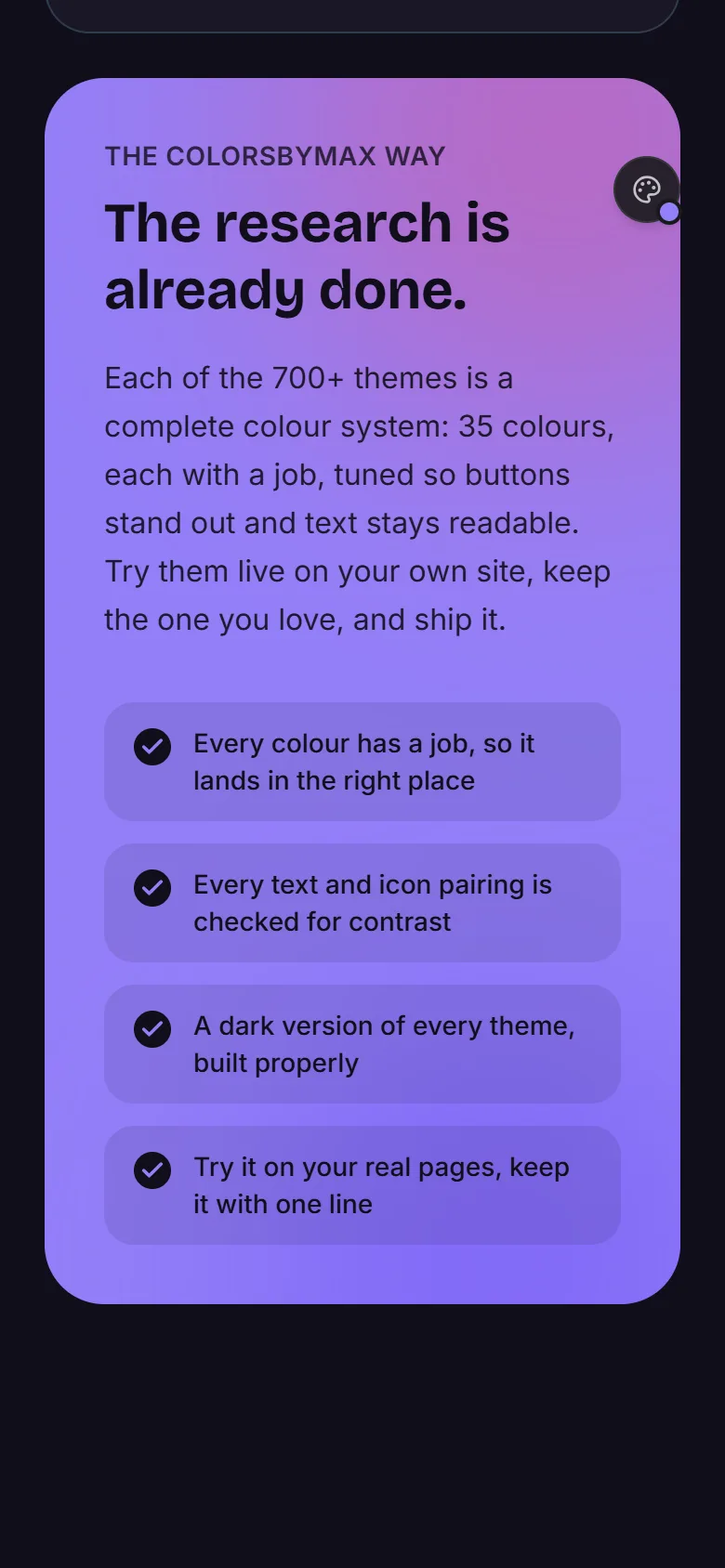
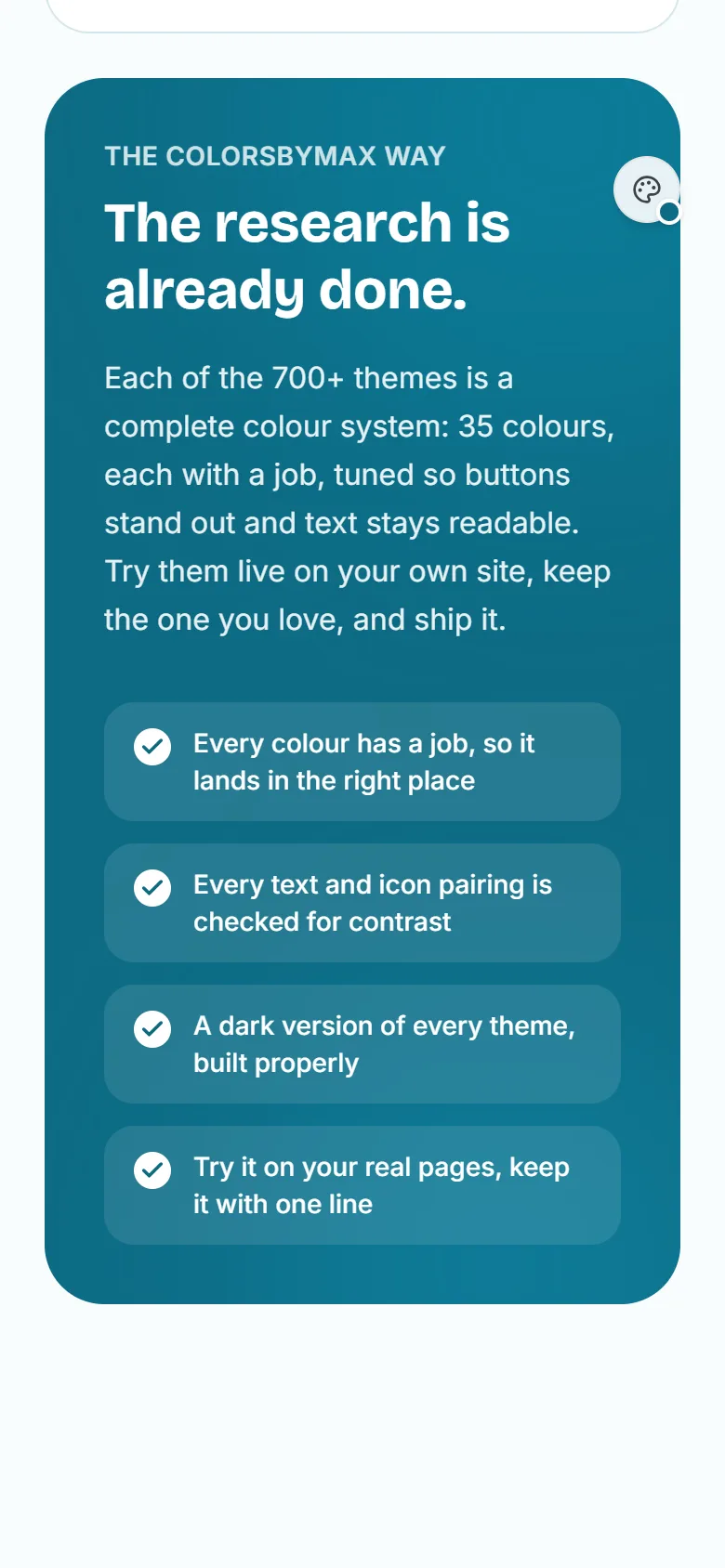
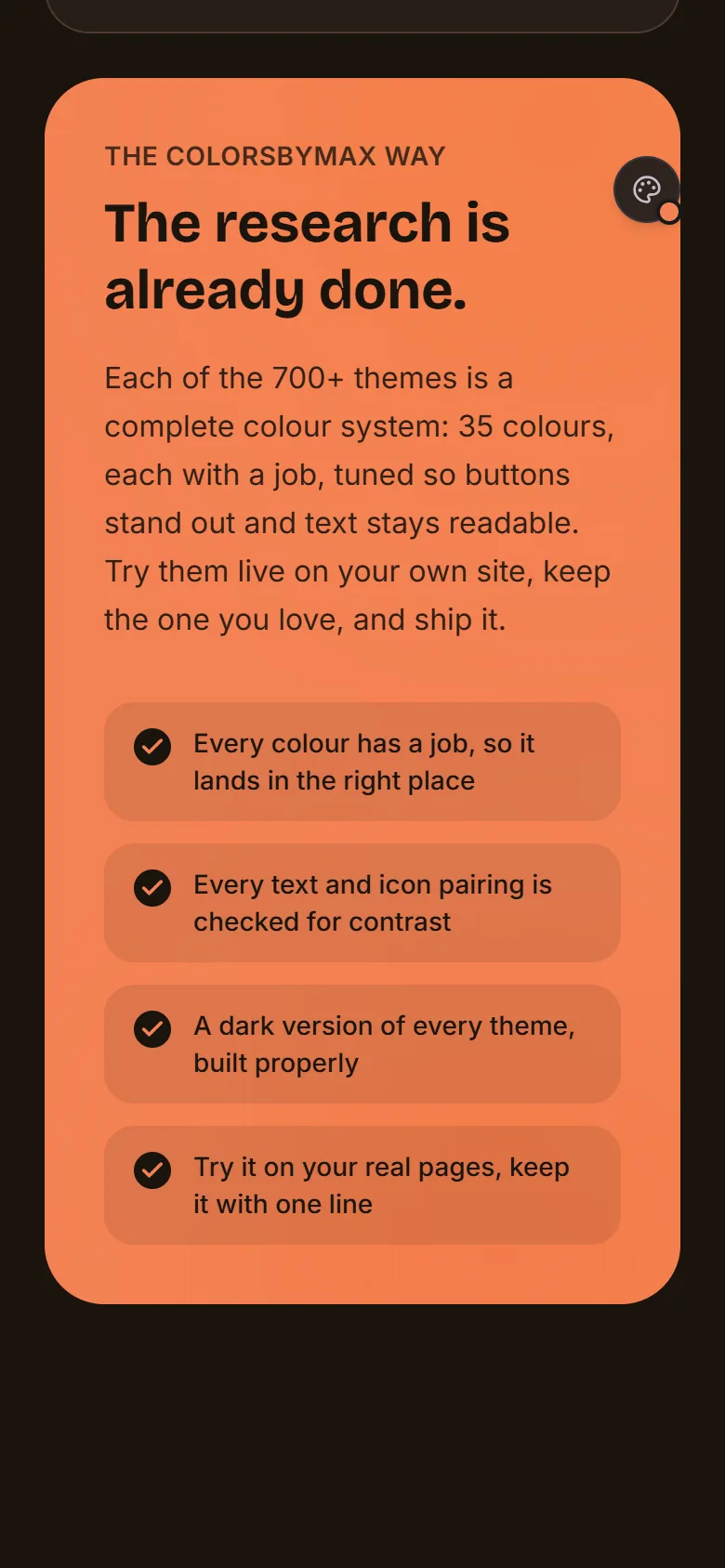
The Kamiliyon way
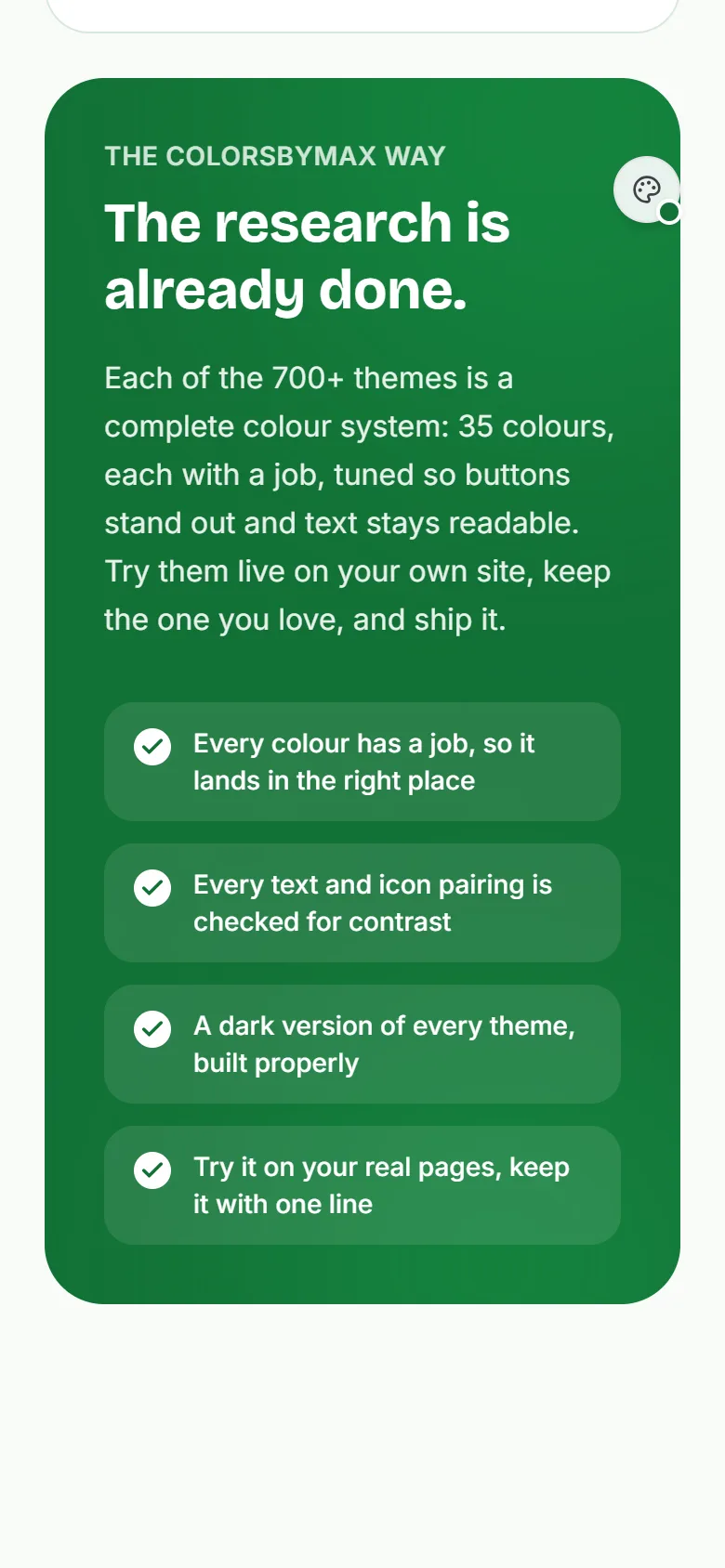
The research is already done.
Each of the 700+ themes is a complete color system: 35 colors, each with a job, tuned so buttons stand out and text stays readable. Try them live on your own site, keep the one you love, and ship it.
- Every color has a job, so it lands in the right place
- Every text and icon pairing is checked for contrast
- A dark version of every theme, built properly
- Try it on your real pages, keep it with one line
Color roles, explained
Every color has a job
A palette is more than five pretty colors. Every Kamiliyon theme gives each of its 35 colors a role, so each one lands where it works. Hover a role to see where it’s used.
Your identity. Used sparingly, so it guides the eye to what matters.
--color-primary
Your main brand color, kept for what should be clicked: buttons, links and focus rings. Rarity is what makes it pop.
Color that works on every page
Buttons stand out, text stays readable, and every tint belongs to the same family.
Free returns within 30 days.
Sign in
The dashed outline shows where the selected role paints.
A little color theory
The rules behind good color
Kamiliyon follows these for you. Knowing them helps you pick, tweak and trust the result. The examples use the colors on this page right now.
Rule 1
60 · 30 · 10
Let one color lead. Roughly 60% calm background and surfaces, 30% supporting tints and text, 10% brand. It’s why primary is saved for the things you want clicked.
Text on the page 17.1:1 pass
Muted text 5.9:1 pass
Button 6.2:1 pass
Rule 2
Contrast is a number
Text needs at least 4.5:1 against its background, and large text and icons 3:1 (WCAG AA). Kamiliyon checks every pairing and fixes failures by nudging lightness only, so your hues stay yours.
Rule 3
Lightness beats hue
Readability comes from the difference in lightness, not the hue. A vivid yellow or cyan looks strong but is light, so dark text reads better on it than white. That’s why a button’s text color can be dark in one theme and white in the next. The outlined sample is the better one on this page’s primary.
Rule 4
Color carries meaning
Green for done, amber for careful, red for stop, blue for information. These keep their meaning in every theme, and color is never the only signal: an icon or a word goes with it, for color-blind readers.
Flat greys
Brand-tinted
Rule 5
Tint your neutrals
Greys borrowed from the brand’s hue feel designed; flat greys feel unfinished. Surfaces, borders and even shadows carry a hint of the brand, so the whole page feels like one family.
Rule 6
Dark mode isn’t inverted
Swapping black and white isn’t enough. Dark themes use deep tinted surfaces, soften pure white text, and lift brand colors so they still read. Every Kamiliyon theme has a dark twin built this way: this is this page’s.
Where these rules come from
1704
Isaac Newton’s Opticks bends the spectrum into a circle: the first color wheel.
1961
Johannes Itten’s The Art of Color names seven kinds of color contrast designers still use.
2008
WCAG 2.0 turns “readable” into a number: 4.5:1 for normal text.
2018
Material Design names “on” colors, the text that sits on a color. Kamiliyon’s on-primary is the same idea.
Today
Kamiliyon packs these rules into every one of its 700+ themes.
New · Studio
Go deeper than a theme
A theme colors your whole site in one click. Studio is for the rest: open it from the panel’s header and color your site part by part, exactly the way you want it.
- Point and click anythingA button, a card, a heading, the footer. Pick it on the page and give it its own background, text and border.
- One, all of them, or every pageChange just that part, every part like it on the page, or every one like it on every page of your site.
- Readable from the first clickStudio checks the text in what you pick straight away, marks colors that wouldn’t read, and Fix finds one that does.
- Only the pages you chooseColor the landing page and leave the app inside as it is, or any set of pages. Studio finds them on your site.
- Check the pageAudit points out what won’t look right in your colors: a logo that disappears, a picture with a white box.
- Keep it for goodSave it all as a prompt for Claude, Cursor or Copilot, or as CSS, and your site keeps exactly what you made.
This page, live: Studio picking a card and giving it the theme’s color.
New · Color styles
As quiet or as bold as you like
Every theme comes three ways. Try a new color on your buttons, see the theme as it’s meant to be, or let it take over the page for a whole new look. These are this page, live, in the theme you’re using now (Sunset, while you’re on our own colors).
Subtle
Your site keeps its own backgrounds, cards and text. The theme comes in on buttons, links and highlights, with a quiet hint of it on badges.
Balanced
The theme in every role, with a soft wash of it across the page, cards and borders. Your own colors stay exactly as designed.
Colorful
An overhaul: tinted backgrounds, headings with a hint of the brand, and stronger tints everywhere. Text still checked for contrast.
From a light wash to bold
Colorful has a strength slider: a gentle tint for a calm site, or the whole page in color for a loud one.
Tints from your pictures
Colorful can take its washes from your logo and photos, so the colors feel made for your site, while buttons and links keep the theme’s.
What’s inside
Everything in the color panel
One small button. Behind it, a full color studio that works on sites with or without Tailwind, and never touches your own CSS.
Your colors first
The panel opens on your site’s own theme, with an accessible version made for you if it needs one.
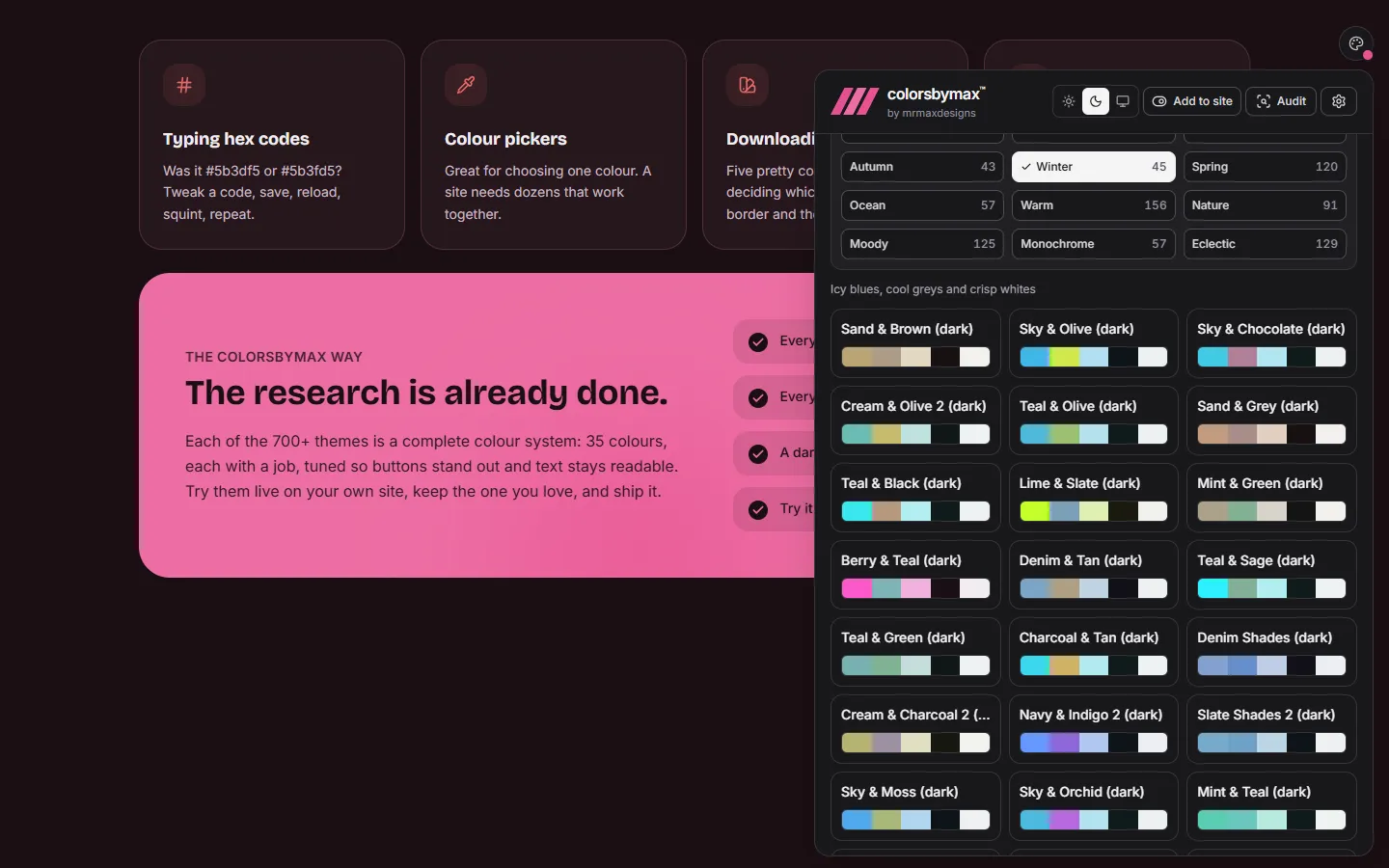
700+ library themes
Community-loved palettes in 14 moods, from pastel to moody, each turned into a full 35-role system.
Light and dark
A dark twin of every theme, and a panel that follows. Or match each visitor’s device.
A contrast guard
Every piece of text and every icon checked against what it really sits on, in every style. Anything hard to read is fixed, keeping its hue.
Pick a color from your site
Click a button, the background or some text. Kamiliyon knows the job that color does and builds five themes around it, your color kept exactly.
Color keeps its meaning
Delete stays red, warnings amber, saves green, tips blue, in every theme. Your brand color never takes over a button that means something.
Understands your page
It tells a button from a background, a ghost icon from a filled button, and knows the pill sliding under the active tab is what it sits on.
Scan your site
Reads the colors already on your pages and builds themes around them: soft, bold, complementary.
Palettes from a picture
Paste a screenshot, drop a mood board or a brand-guide PDF, and get a palette built from it.
Know when there’s an update
A bell in the panel says when a new version is out, with what changed and how to update. Only where you work, never to your visitors.
Works on any site
Hard-coded colors? Kamiliyon reads what’s painted and re-colors it anyway. No rewrite needed.
Ship your pick
Done choosing? Keep your colors as the default and hide the switcher in production, in one step.
How it works
Set it up your way
Every color is one of 35 tokens, exposed as CSS variables. Picking a theme sets those variables, so the whole page changes instantly, with no rebuild.
1. Install
One package, no stylesheet to add.
2. Pick
Open the color button and try themes on your real pages.
3. Ship
Keep the colors you love as your site’s default.
- 1
Install it
terminalnpm install kamiliyon - 2
Add one line to your app’s entry file
main.jsximport 'kamiliyon/auto'That’s all. The color button appears once the page loads. If your site uses hard-coded colors, Kamiliyon reads what’s on the page and swaps each color for its role in the chosen theme: greys follow the theme’s background and text, brand shades follow its brand, and success and error colors keep their meaning.
Every option, the full config and the TypeScript API are in the README on GitHub.
Coding agents
Let your AI agent do the setup
The Kamiliyon MCP server gives Claude Code, Cursor, Copilot, Codex, Antigravity, Gemini, Grok and other agents Kamiliyon’s own tools. They set it up the right way for your framework, find themes, build one from your brand colors, check contrast and finish. It reads your project but never changes it: your agent makes the edits, so you review them as usual.
- Step 1
Add the server
Once, with the setup for your editor below.
- Step 2
Start a new session
Agents load servers when a session starts.
- Step 3
Ask
“Add Kamiliyon to this project.”
- Step 4
Run your site
The color button appears. Start picking.
Add the server to your editor
claude mcp add kamiliyon -- npx -y kamiliyon-mcpAdd --scope user to have it in every project. If claude isn’t found, ask Claude Code to add the server itself.
Runs with npx, so there’s nothing to install first (Node 18 or later). kamiliyon-mcp on npm
Then just ask
No MCP? Paste this
Any coding agent can set it up from a prompt:
Install the Kamiliyon npm package in this project and add import 'kamiliyon/auto' to the app's entry file, so the Kamiliyon color button appears on every page. For Next.js, Remix or other server-rendered apps, load it in the browser only, with import('kamiliyon/auto') inside a useEffect. Don't change anything else.
Made by mrmaxdesigns
Built by a designer who got tired of guessing colors.
Kamiliyon is designed and built by Max Muyalwa at mrmaxdesigns.com. It started as a theme switcher for a website he was designing, where choosing colors meant hours in pickers and swatch files, then a contrast check that sent everything back to the start.
So the research went into the tool instead: hundreds of palettes, each given 35 roles and checked for contrast, ready to try on a real site in seconds. It’s free and open source for every developer and site owner who would rather ship than fiddle with hex codes.
Your feedback shapes it
Tell Max what you think
Kamiliyon gets better with every report. Bugs, praise, ideas and questions are all welcome, and every one is read. The Feedback button in the top bar is always there too.
Enjoying Kamiliyon?
It’s free and open source, made by one designer. A coffee or a star keeps it going.
Ready to see your site in color?
One install, one line, and a color studio on every page. Or see what else mrmaxdesigns makes.